Learn how QR codes work, how to create and test them, and how to use
them safely for Live Location sharing, WhatsApp chats, WiFi access,
contact details, business cards, websites and everyday tasks.
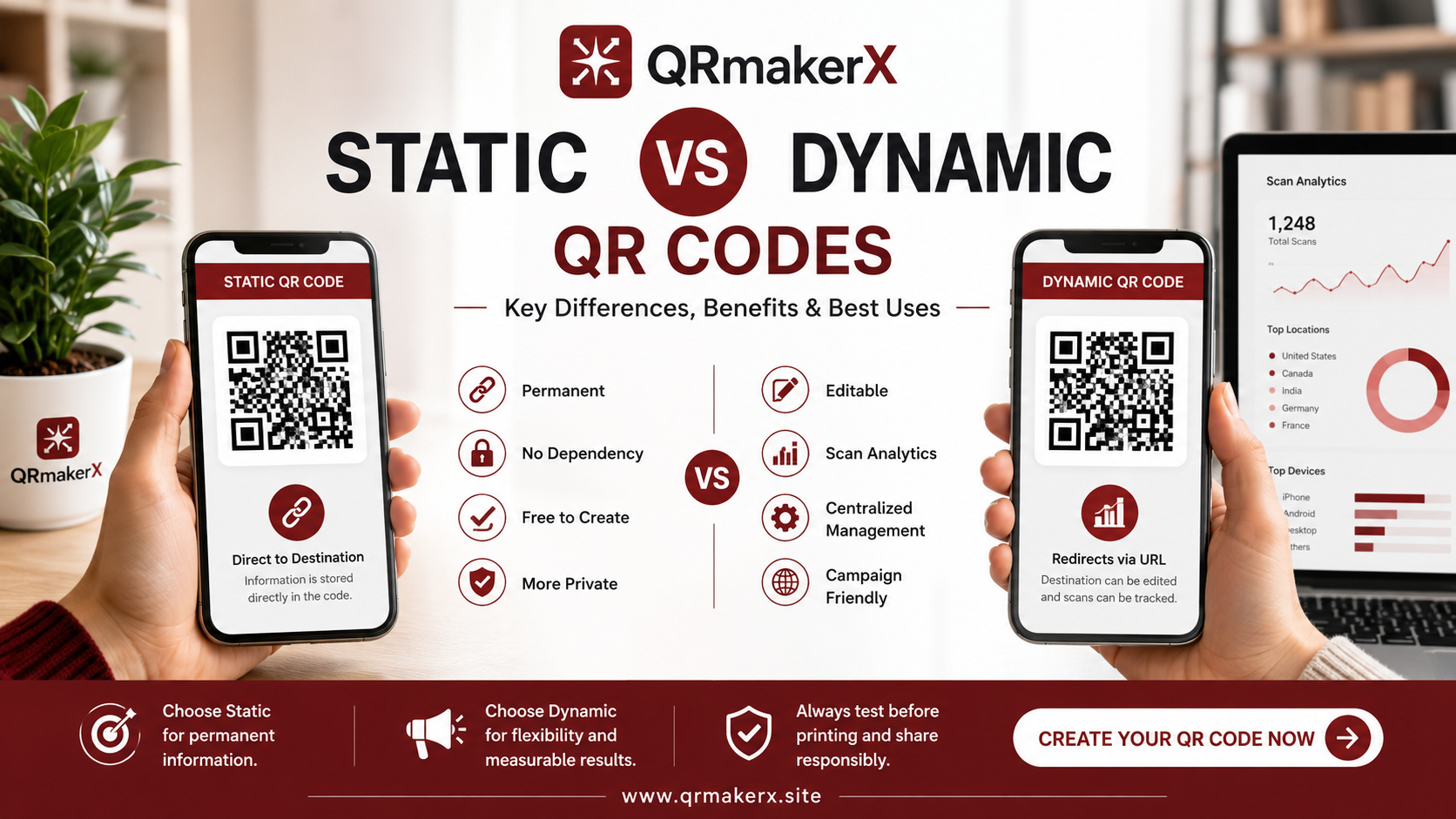
Start with the fundamentals: understand how QR codes work, when static
and dynamic codes differ, and which format is suitable for your use case.
The featured beginner guide above explains the core technology in simple terms.
Learn how to create QR codes for common real-world purposes, including
website links, branded QR codes with logos, WhatsApp chats, Live Location sharing,
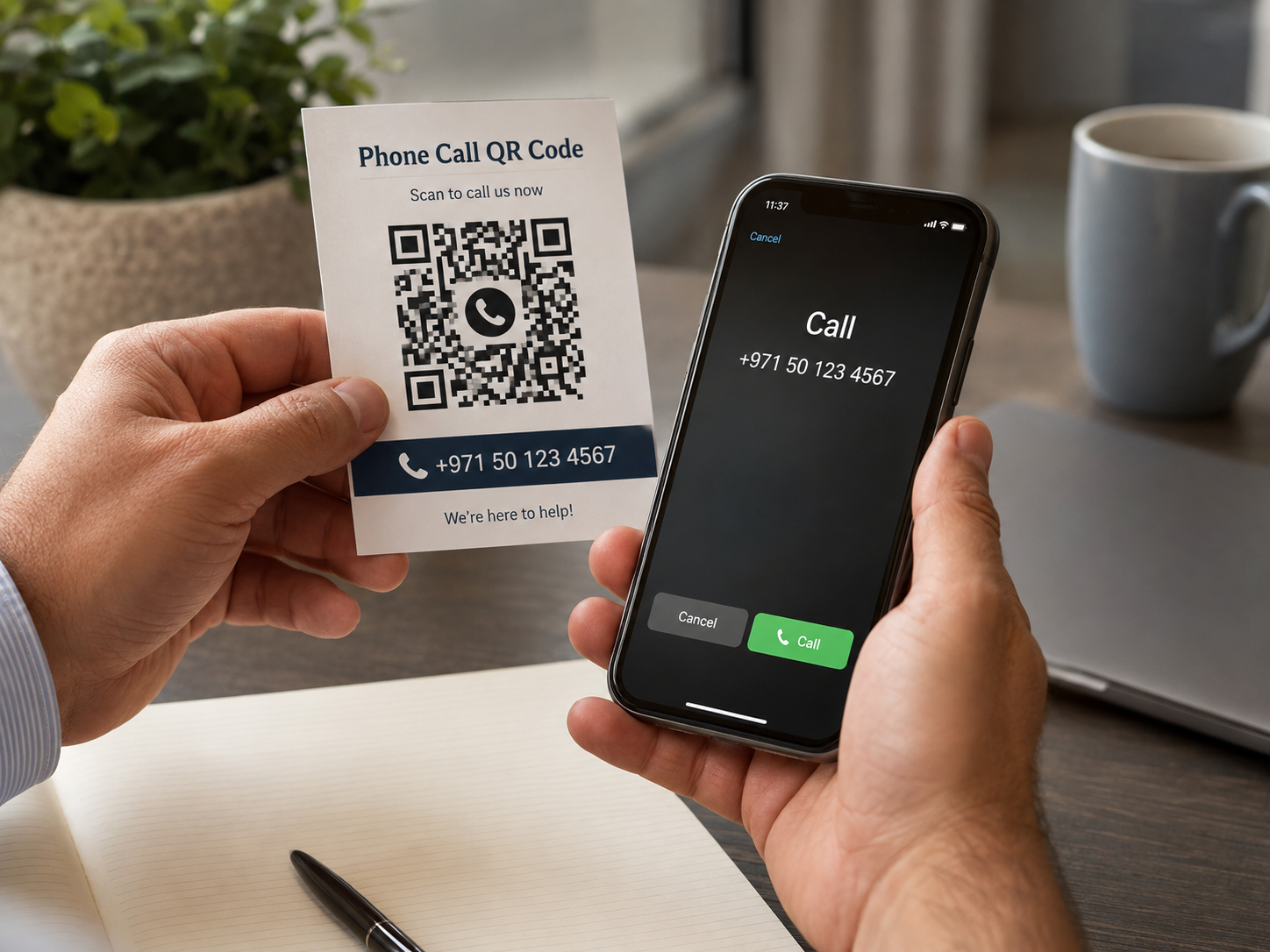
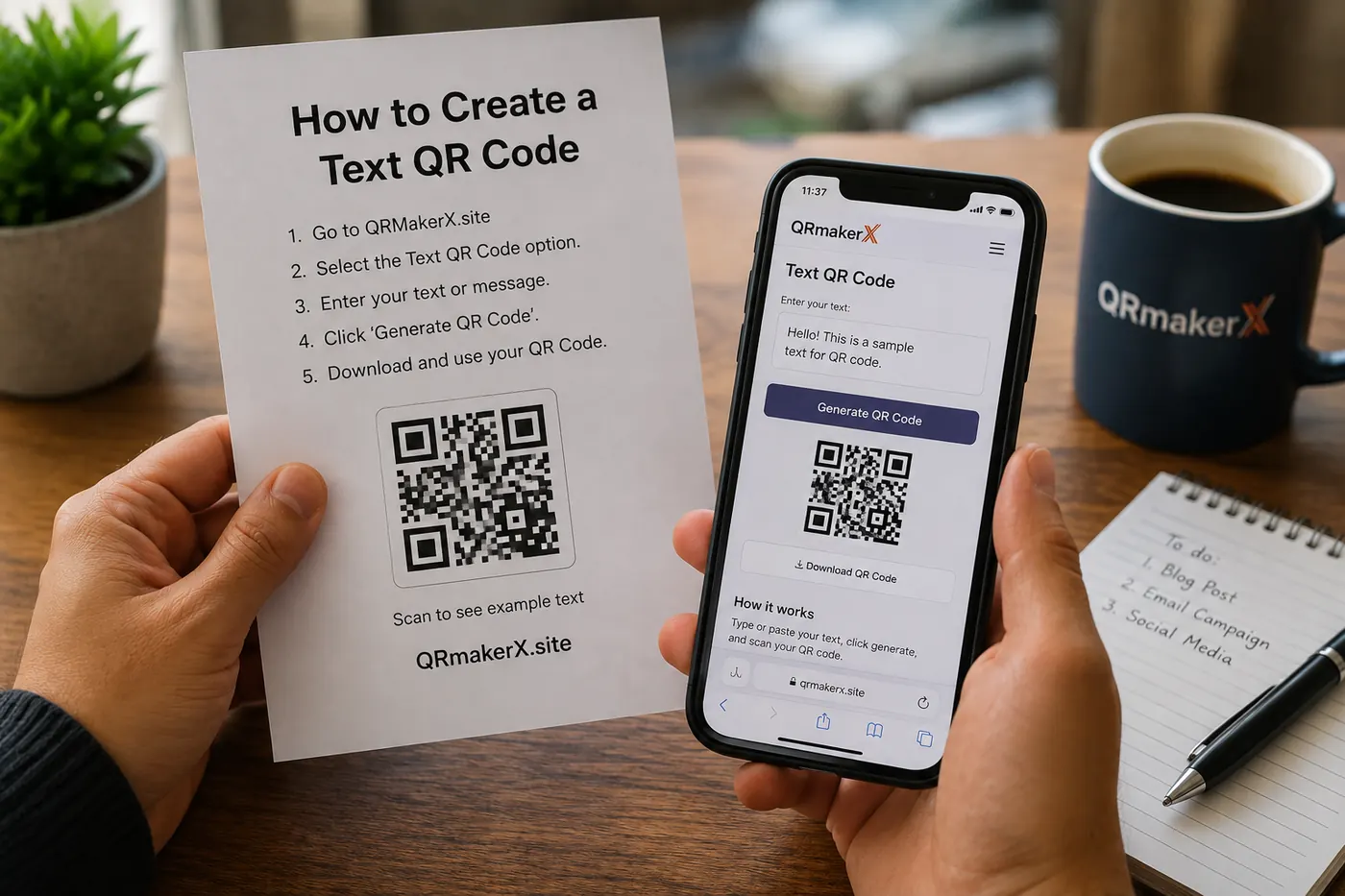
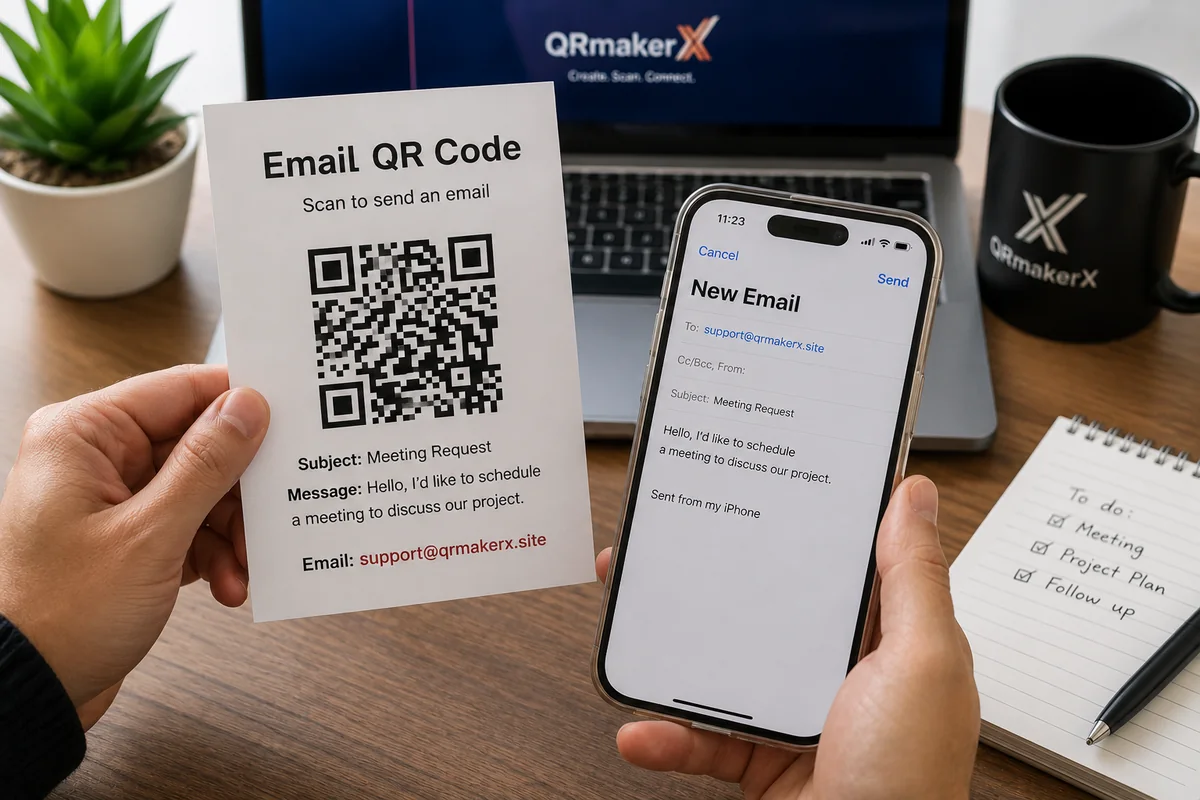
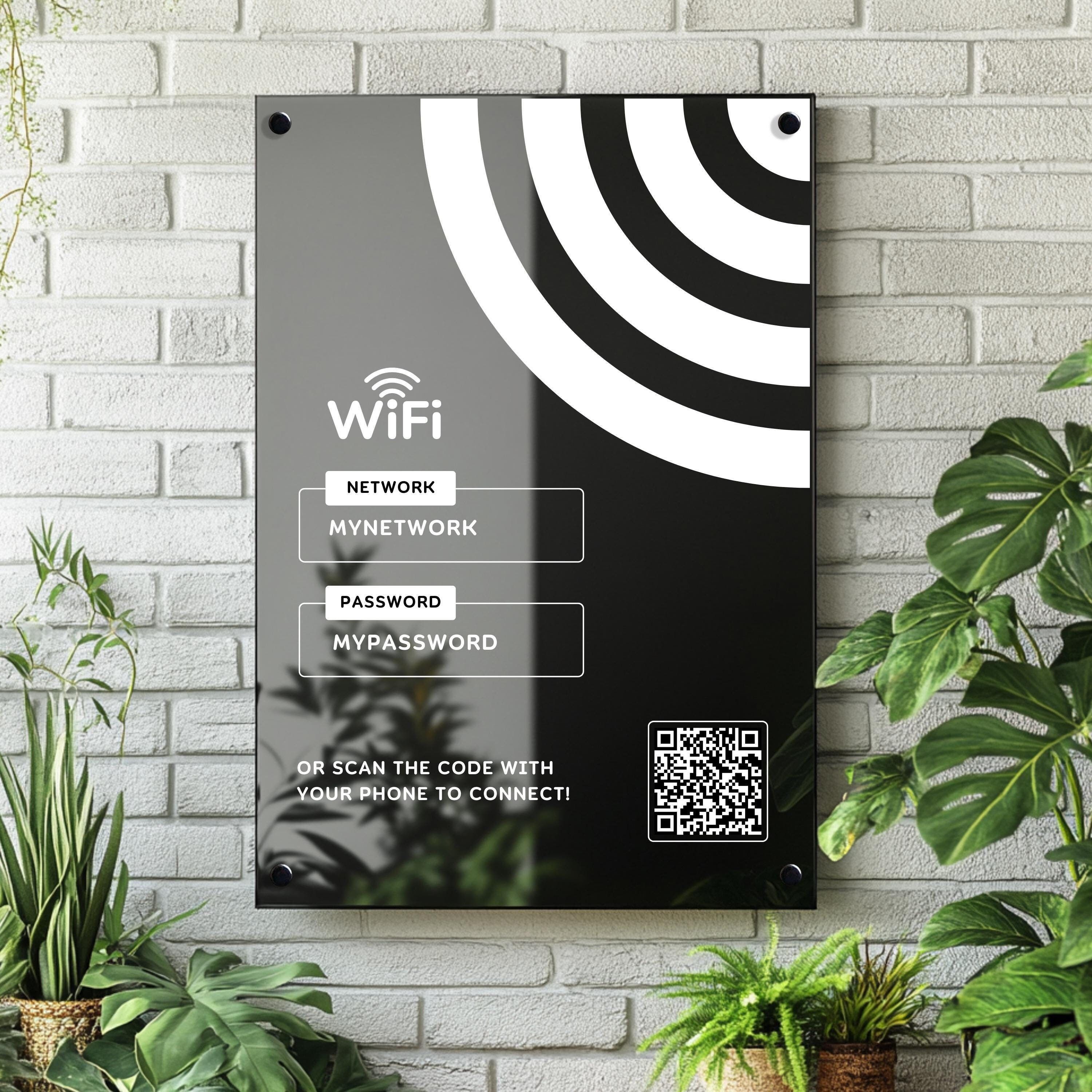
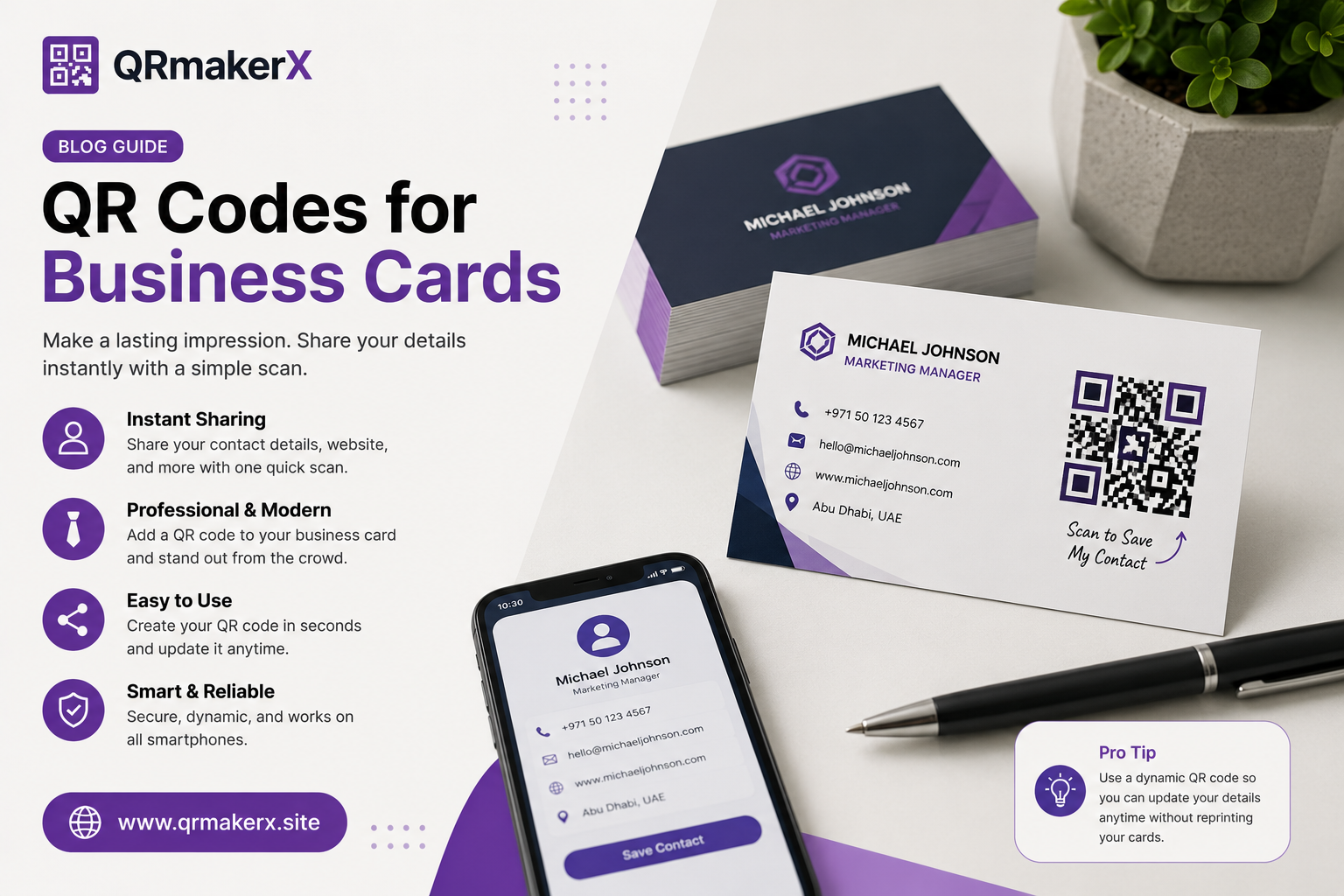
phone calls, text, email, WiFi access and contact details.
Create a direct WhatsApp chat QR code for an international phone number,
add an optional prefilled message, test the chat and prepare the code for
digital or print use.
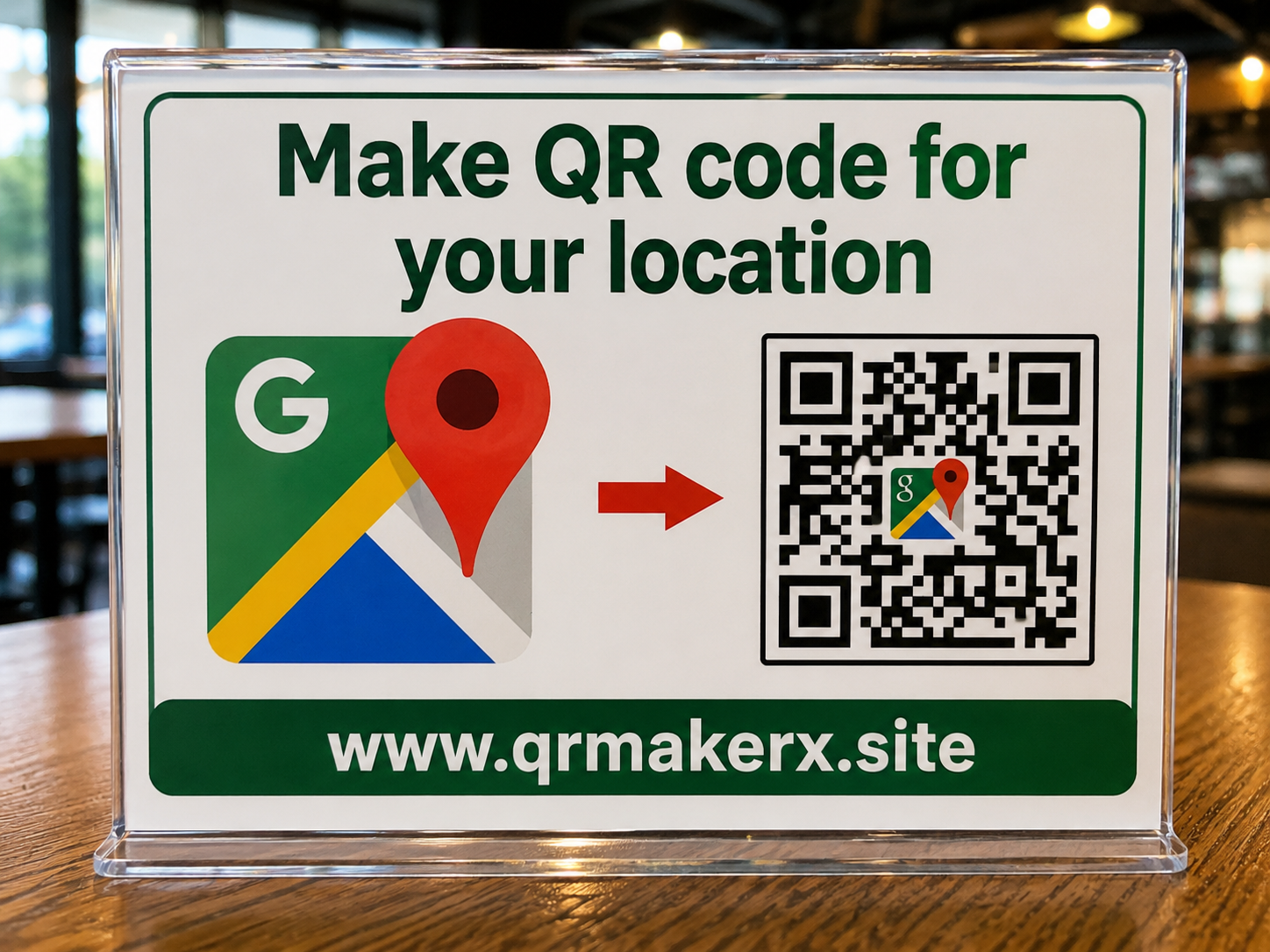
Create a temporary Live Location QR session, send the participant
sharing link, and view location updates only after the other person
grants browser location permission.
Ready to create one? Use the
QRmakerX QR Code Generator
and test the finished code on another device before publishing or printing it.
Scanning, Safety & Troubleshooting
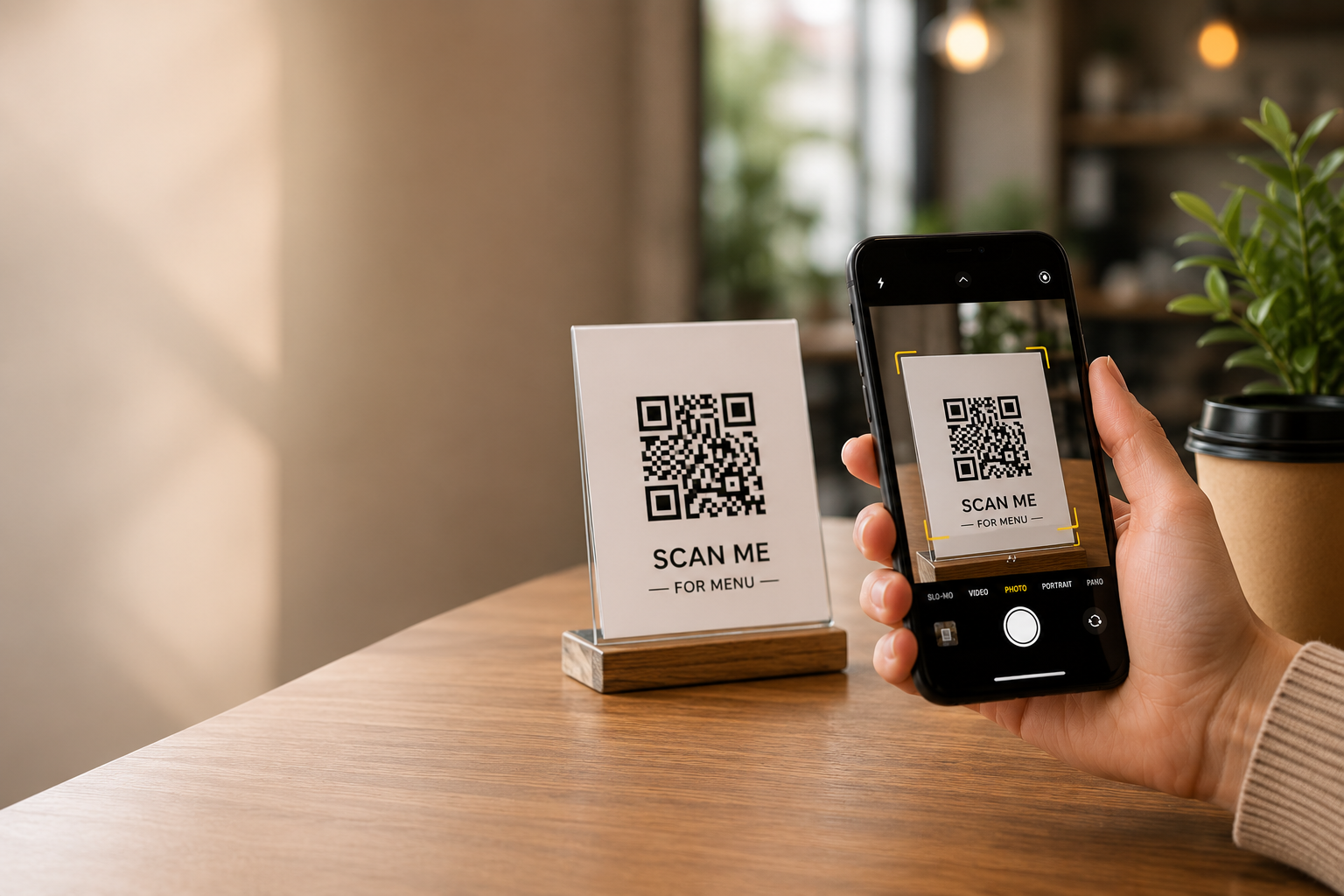
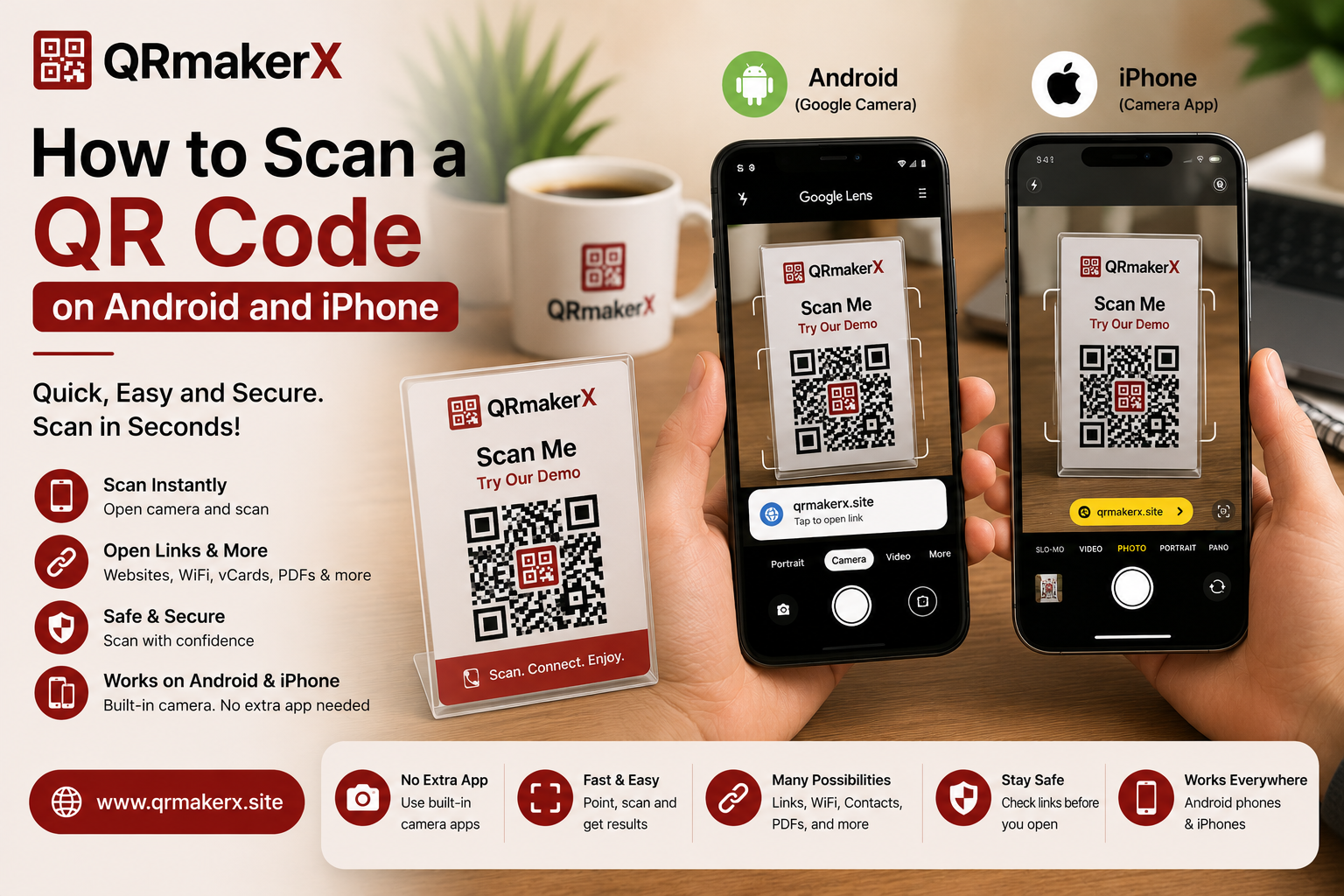
Learn how to scan QR codes on Android and iPhone, use built-in scanning
tools and solve common problems involving lighting, focus, settings or damaged codes.
Generate a free static QR code for a website, text, WiFi network,
contact card, email, phone number, WhatsApp conversation, event or
another supported purpose.