
Quick answer
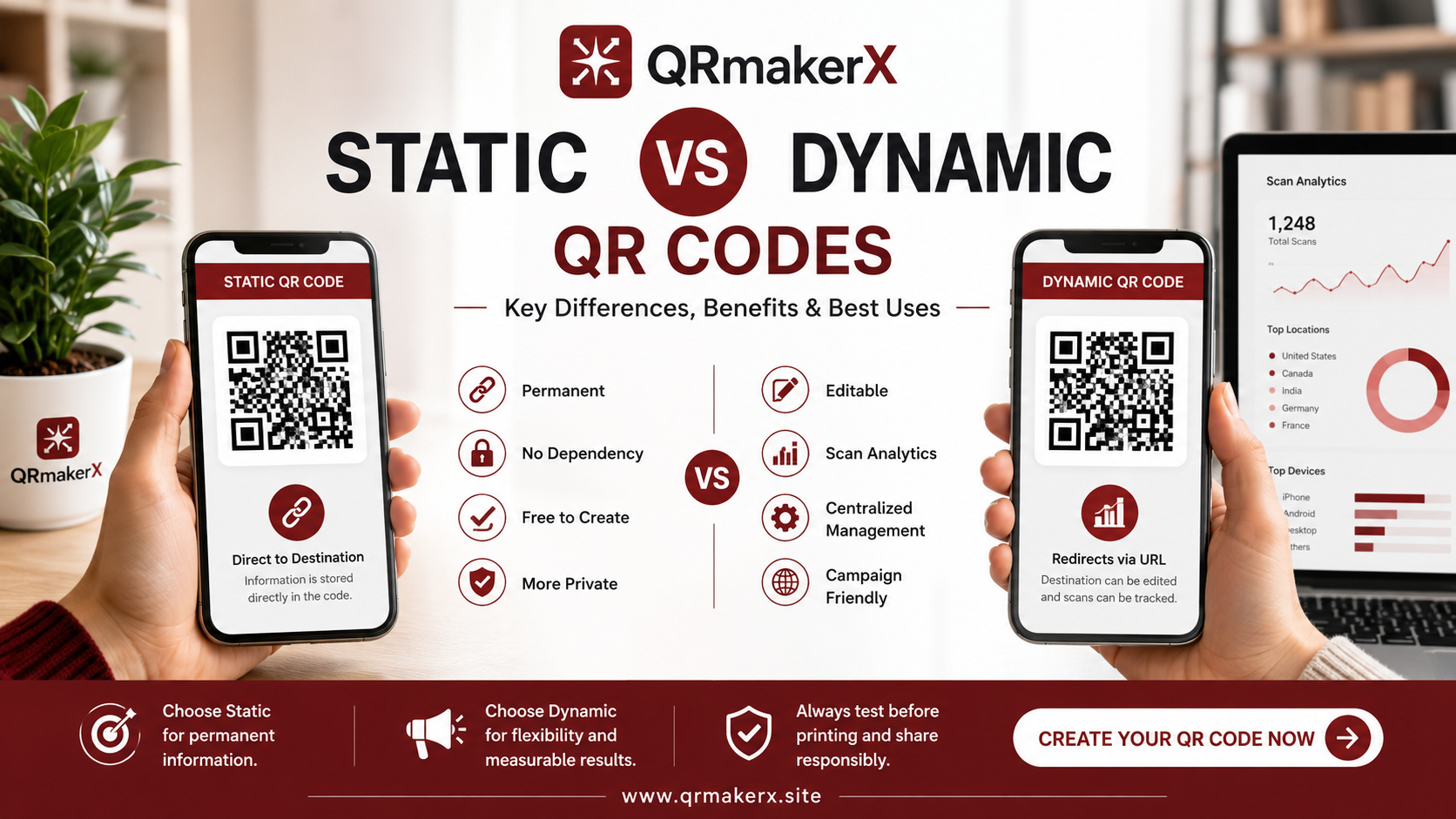
Static QR codes store their final information directly inside the QR pattern. Their content cannot normally be edited after creation. Dynamic QR codes usually store a short redirect address managed by a service provider, allowing the destination to be changed and scans to be measured.
What is a static QR code?
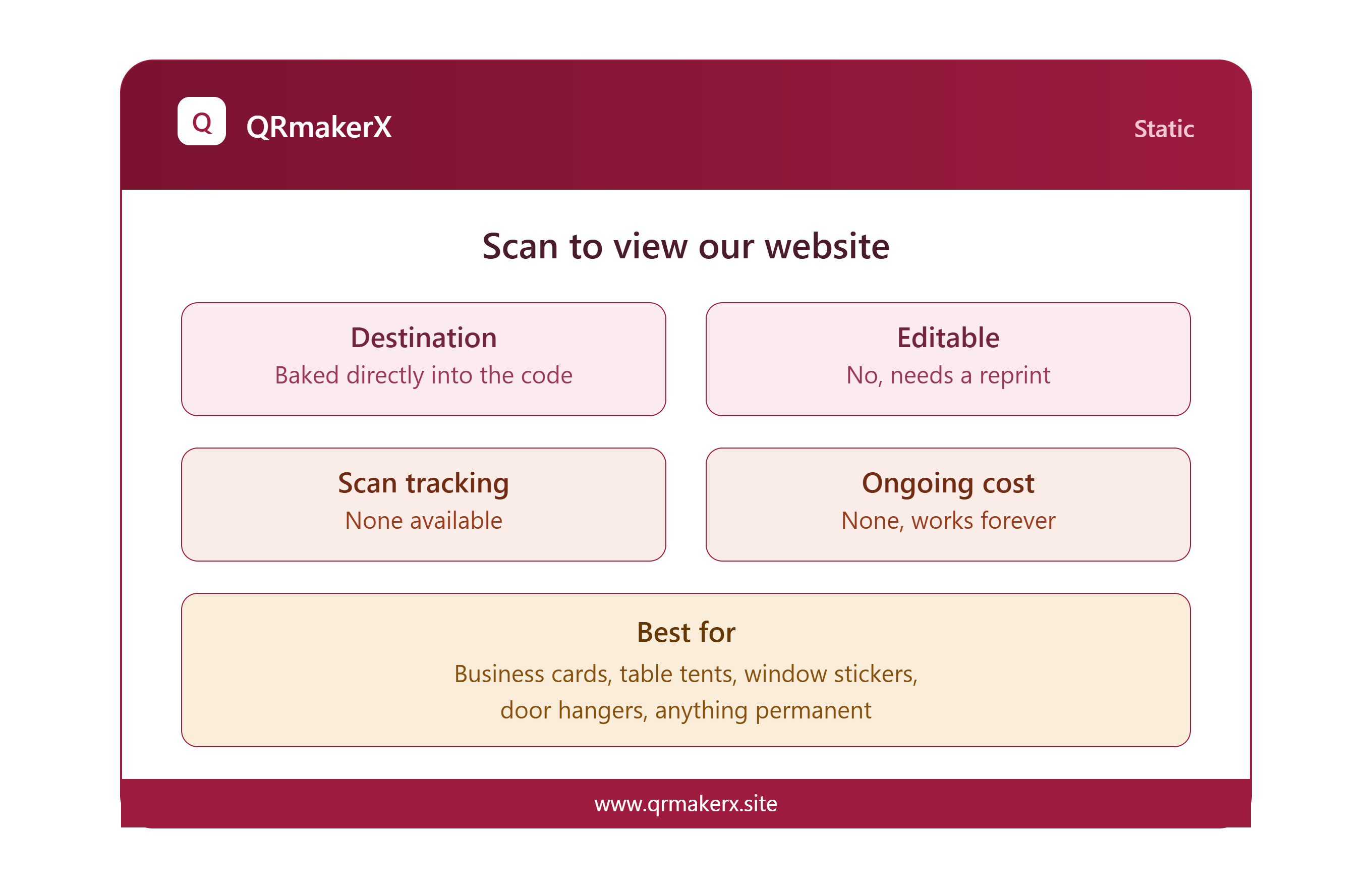
A static QR code contains its final information directly within the black-and-white modules of the code. When someone scans it, the phone reads and interprets that stored information without first relying on a separate QR management platform.
Static QR codes can store information such as a website address, plain text, phone number, email address, SMS message, contact details or WiFi credentials. You can create common static codes using the free QR Code Generator on QRmakerX.
Advantages of static QR codes
- They do not normally depend on a QR management subscription.
- The encoded information cannot be changed remotely by a service provider.
- They are well suited to permanent information.
- They can be created quickly and used without registration.
- Some types, such as text or WiFi codes, can reveal their data directly after scanning.
Limitations of static QR codes
- You cannot normally edit the stored content after printing.
- A mistake in the destination usually requires a new QR code.
- Basic static codes do not provide built-in scan analytics.
- Long website addresses may create a denser pattern.
How does a static QR code work?
When you enter information into a static QR generator, the generator converts that information into a structured matrix of dark and light modules. A scanning device detects the QR code, corrects certain reading errors and reconstructs the stored data.
For example, when a website address is encoded, the scanner extracts that address and offers to open it. When WiFi credentials are encoded, a compatible phone can use the network name, security type and password to prepare a connection.
What is a dynamic QR code?
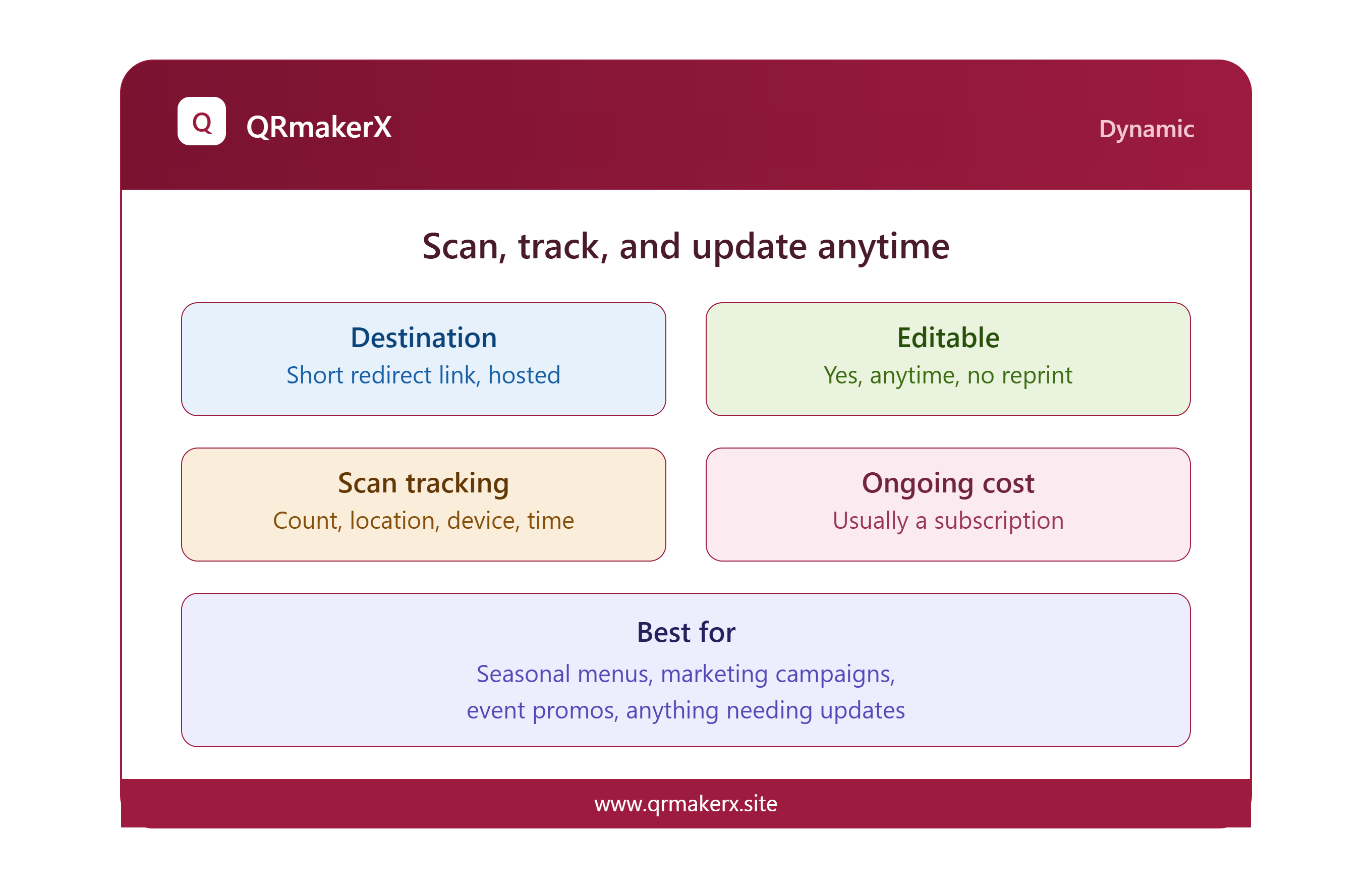
A dynamic QR code usually contains a short redirect URL rather than the final destination. When a person scans it, the browser first contacts the service that controls the redirect. That service then forwards the visitor to the current destination.
Because the printed code points to the managed redirect instead of directly to the final page, an authorized account holder can often change the destination later without replacing the printed code.
Advantages of dynamic QR codes
- The destination can often be changed after printing.
- The provider may record scan counts, dates, locations or device information.
- Short redirect URLs may produce simpler QR patterns.
- They can support marketing campaigns that need ongoing updates.
- Some services provide password controls, campaign management or scheduled destinations.
Limitations of dynamic QR codes
- Many services charge recurring fees.
- The code may stop functioning if the redirect service ends.
- Scan tracking can create privacy considerations.
- The user normally needs internet access to follow the redirect.
- The long-term reliability depends partly on the provider.
How does a dynamic QR code work?
A typical dynamic QR process has three stages. First, the scanner reads the short address encoded in the QR code. Second, the browser contacts the provider's redirect server. Third, that server sends the visitor to the destination currently assigned to the code.
The provider may record information about the scan during this redirect. The exact information collected depends on the platform, the visitor's device and applicable privacy settings.
Static vs dynamic QR codes: complete comparison
| Feature | Static QR code | Dynamic QR code |
|---|---|---|
| Stored information | Final content is encoded directly | Usually stores a managed redirect URL |
| Edit after printing | No | Usually yes, through the provider |
| Built-in analytics | Normally unavailable | Often available |
| Recurring cost | Usually none | Often requires a paid plan |
| Provider dependency | Low | High |
| Internet dependency | Depends on the content. Text and WiFi can work locally; websites require internet. | Usually requires internet to reach the redirect server. |
| Privacy considerations | Generally fewer tracking features | Provider may record scan-related information |
| Pattern density | May increase with longer content | Often lower because a short URL is encoded |
| Best for | Fixed, permanent or simple information | Editable campaigns and measurable marketing |
| Long-term reliability | Strong when the encoded information remains valid | Also depends on the redirect provider and account |
Which QR code type should you choose?
The better choice depends less on appearance and more on what you need the code to do after printing.
Choose a static QR code when:
- The information is unlikely to change.
- You do not need scan analytics.
- You want to avoid an ongoing subscription.
- You need a simple WiFi, text or contact code.
- You prefer lower dependence on a third-party platform.
Choose a dynamic QR code when:
- You may need to change the destination.
- You need campaign measurement.
- The code will appear in long-running marketing.
- You accept the provider and subscription dependency.
- You need centralized management for many codes.
Best type for common real-world uses
WiFi access
A static code is normally suitable because it can contain the network name, security type and password directly. Try the WiFi QR Code Generator .
Business cards
A static vCard code can work well when your contact information is stable. A dynamic code may be useful when the destination or profile page changes frequently.
Restaurant menus
A dynamic code can be useful when the menu URL may change. A static code is sufficient when the restaurant uses a permanent menu address that can be updated at the same URL.
Product packaging
Long-lived packaging requires careful planning. Static codes reduce service dependency, while dynamic codes allow campaigns and destinations to be updated later.
Events
Static codes may be suitable for a fixed registration page. Dynamic codes can help when schedules, ticket destinations or campaign pages may change.
Printed advertising
Dynamic codes are often preferred when marketers need scan reporting or destination changes. Confirm the provider's long-term pricing before printing at scale.
Common mistakes to avoid
Assuming every QR code can be edited
A printed static code cannot be remotely changed. Always confirm the destination and test the code before approving a large print run.
Using a dynamic service without checking renewal terms
A low introductory price does not necessarily represent the long-term cost. Check renewal pricing, scan limits, redirect rules and export options.
Using an unnecessarily long static URL
Longer encoded content can create a denser pattern. A clean, permanent URL is easier to manage and may improve scan reliability.
Ignoring privacy
Dynamic QR services may process technical information about scans. Businesses should understand what is collected and disclose relevant tracking where required.
Printing before testing
Test the final artwork on multiple phones and at the intended physical size. Testing only the digital preview is not enough.
Best practices before printing any QR code
- Use strong contrast between the code and its background.
- Keep a clear quiet zone around all four sides.
- Do not stretch or distort the QR image.
- Avoid placing important graphics over the finder patterns.
- Use an appropriate physical size for the expected scanning distance.
- Test the code on several devices and camera applications.
- Confirm that the destination is mobile-friendly.
- Keep a final copy of the destination and source artwork.
Create your own static QR code
Use QRmakerX to create a free static QR code for a website, text, phone number, email, contact details or another everyday use.
Create a Free Static QR CodeFrequently asked questions
Can a static QR code expire?
A static QR code does not normally expire because its information is stored directly in the code. It will continue to work while the encoded destination or information remains valid.
Can I edit a static QR code after printing it?
No. The information is permanently encoded in a static QR code. To change it, you must create and print a new code.
Does a dynamic QR code require a subscription?
Many dynamic QR code services require a paid plan for continued redirects, editing or analytics, although pricing models differ between providers.
Can a dynamic QR code stop working?
Yes. It may stop working if its redirect service is discontinued, its account expires, its subscription ends or its destination is disabled.
Which QR code type is safer?
Neither type is automatically safe or unsafe. Safety depends on the encoded destination, the service provider and how the code is distributed. Verify unfamiliar destinations before proceeding.
Which QR code type is better for WiFi?
A static QR code is usually suitable for WiFi access because the network name, security type and password can be stored directly in the code.