
An SMS QR code lets someone scan a code and open their phone's messaging application with a recipient number and optional message already filled in. The person can review the draft, edit it and decide whether to send it.
This type of QR code is useful when you want customers, visitors or staff to send a quick text without manually typing the phone number. It can be printed on business cards, signs, product packaging, event materials, property boards, service vehicles and support documents.
Create Your SMS QR Code
Enter the recipient phone number and prefilled message, customize the design, test the SMS draft and download the finished QR code.
Create Your Free SMS QR Code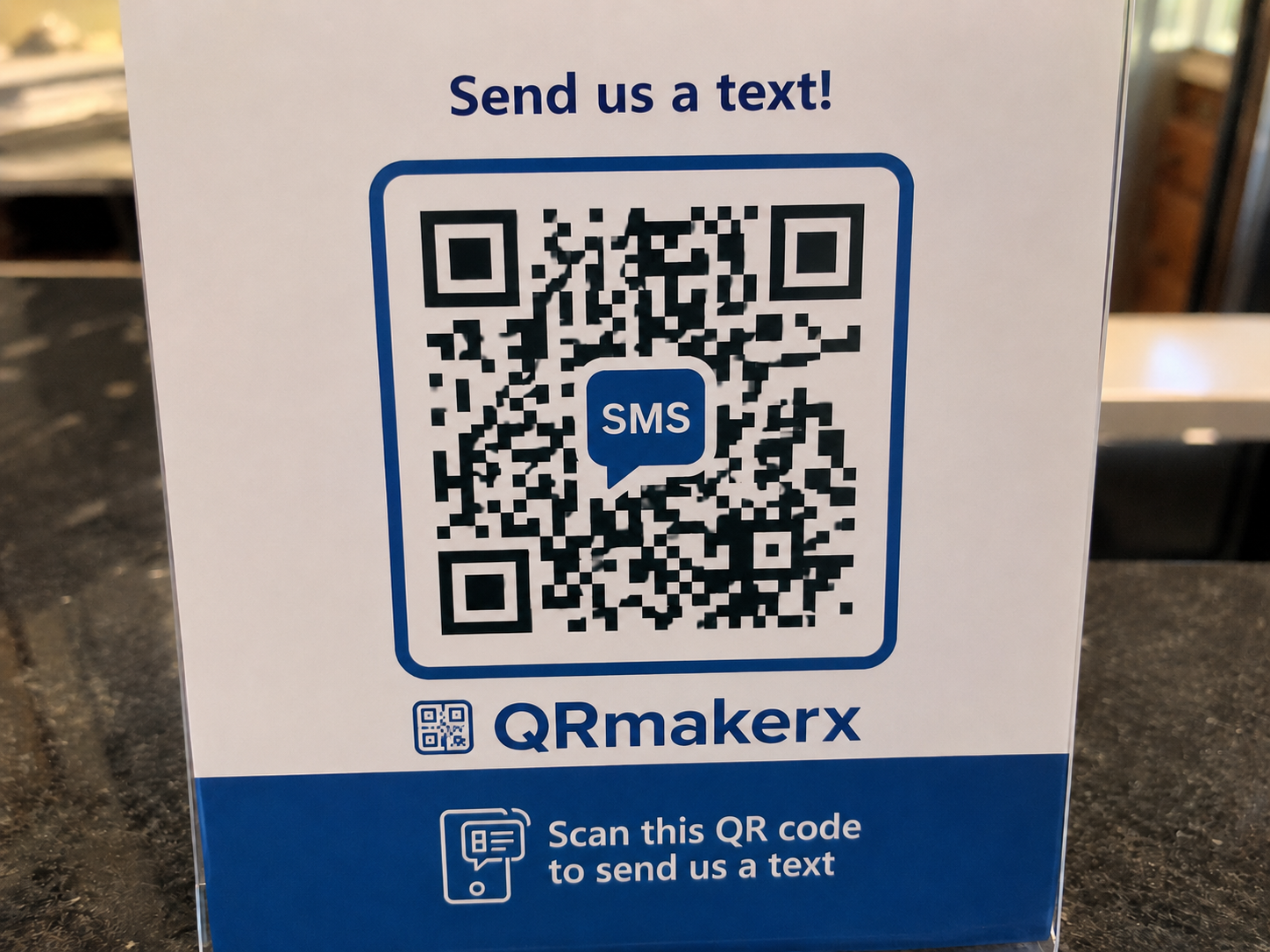
What Is an SMS QR Code?
An SMS QR code is a static QR code that stores a recipient phone number and an optional prefilled SMS message. When scanned, it opens the phone's messaging application with the message ready to review before sending.
A basic encoded value may look like this:
The QR code does not send the message automatically. The user remains in control and normally presses the send button after reviewing the draft.
How an SMS QR Code Works
The number and message are stored directly inside the QR pattern. When a compatible smartphone scans it, the camera or QR scanner interprets the encoded SMS link and sends it to the messaging application. Because the number and message are stored directly, this is a static QR code; see Static vs Dynamic QR Codes for the broader comparison.
The normal process is:
- The user scans the QR code.
- The phone identifies the encoded SMS link.
- The messaging application opens.
- The recipient number and message appear as a draft.
- The user reviews, edits or sends the message.
How to Create an SMS QR Code Step by Step
Open the SMS QR Code Generator
Go to the free SMS QR Code Generator on QRmakerX.
Enter the Recipient Phone Number
Use the international format whenever possible. Start with a plus sign, followed by the country code and phone number.
Add the Prefilled Message
Write the message that should appear in the SMS draft. Keep it brief, clear and useful.
Customize the QR Code
Choose high-contrast foreground and background colors. You may also add a small logo while keeping enough of the QR pattern visible.
Create and Test the QR Code
Generate the code, press the test button and scan it with more than one phone before printing or publishing it.
Download the Correct Format
Use PNG for common digital use, SVG for scalable professional printing and PDF for convenient document sharing.
How to Format the Phone Number Correctly
The safest approach is to use the full international number. Include the plus sign and country code, and normally remove the leading local zero.
Example for the United States
A local number may be written as:
The international format is:
Include the United States country code +1. Do not enter the country code twice, and always test the final result on a real phone.
How to Write a Good Prefilled SMS Message
The message should make the user's next action obvious. It should be useful even before the recipient asks for more details.
Good message examples
- Hello, I would like more information about your service.
- Please contact me about property reference A-105.
- I would like to book an appointment for Friday.
- Please send me the event registration details.
- I have a question about order number ______.
Avoid these problems
- Very long messages that make the QR pattern unnecessarily dense.
- Sensitive information that should not be printed or publicly shared.
- Unclear messages that provide no context to the recipient.
- Promises that the scan will send the message automatically.
- Phone numbers that are not monitored.
Useful SMS QR Code Examples
Customer support
Place an SMS QR code on packaging, receipts, manuals or equipment. The prefilled message can include the product name or support category.
If customers prefer email communication, you can also create an Email QR Code instead of SMS.
Appointments and bookings
A clinic, salon, workshop or service company can let customers scan and prepare a booking enquiry.
Property enquiries
Real estate signs can include a message containing the property reference, helping the agent identify the listing immediately.
Events and registrations
Use a prefilled message for attendance confirmation, registration requests, brochure requests or event information.
Deliveries and field services
Drivers, technicians and customers can use SMS QR codes for arrival notices, job references or delivery questions.
Feedback
A short message can invite customers to provide feedback or request a follow-up call.
SMS QR Code vs Phone, WhatsApp and vCard QR Codes
| QR code type | Main action | Best use |
|---|---|---|
| SMS QR Code | Opens a text-message draft | Quick enquiries, bookings and prepared replies |
| Phone QR Code | Opens the phone dialer | Direct voice calls |
| WhatsApp QR Code | Opens a WhatsApp conversation | Chat-based support and sales |
| vCard QR Code | Shows contact information | Saving a complete contact |
Use the Phone QR Code Generator when you want people to call. Use the WhatsApp QR Code Generator for WhatsApp conversations. Use the vCard QR Code Generator when users should save complete contact details. For plain text information, use the Text QR Code Generator. For prefilled email drafts, use the Email QR Code Generator. If you want to brand your QR code, see our QR Code with Logo guide.
How to Test an SMS QR Code
Testing is essential before you print the code in large quantities.
- Scan the QR code using an Android phone.
- Scan it using an iPhone when available.
- Confirm that the correct messaging application opens.
- Check the recipient number carefully.
- Confirm that the complete message appears.
- Test at the intended print size.
- Test under normal lighting and from more than one distance.
Different devices and messaging applications can interpret SMS links slightly differently. Testing reduces the risk of printing a code that behaves unexpectedly.
For camera instructions and common scanner problems, read How to Scan a QR Code on Android and iPhone.
If you only need people to call instead of sending a message, use our Phone QR Code Generator.
Design and Printing Best Practices
- Use a dark QR code on a light background.
- Keep a clear quiet zone around the QR pattern.
- Do not stretch or distort the QR code.
- Keep logos small and centered.
- Use a sufficiently large printed size.
- Use SVG for large signs and professional printing.
- Place a short instruction nearby, such as “Scan to send us an SMS.”
Privacy and Responsible Use
An SMS QR code can expose the recipient number and prefilled message to anyone who scans it. Do not include private numbers or sensitive information on publicly distributed materials unless you have permission.
Businesses should also consider local messaging, privacy and consent requirements. A QR code should help a user start a conversation, not create misleading or unwanted messages.
Always verify that the recipient has agreed to receive SMS messages and comply with local privacy and anti-spam regulations.
Frequently Asked Questions
The following answers cover the most common questions people ask before creating or printing an SMS QR code.
What is an SMS QR code?
It is a QR code that stores a recipient phone number and optional prefilled text message. Scanning it normally opens the phone's messaging application with a draft prepared.
Does the QR code send the SMS automatically?
No. The user normally reviews the message and chooses whether to send it.
Can I include a prefilled message?
Yes. You can encode both the recipient phone number and a prefilled message.
Should I use an international phone number?
Yes. Use the plus sign and country code whenever possible for better compatibility across different countries and devices.
Does an SMS QR code expire?
A static SMS QR code does not normally expire. It remains usable while the encoded number and message are still correct.
Can I edit the number or message after printing?
No. The details are stored directly in the static QR code, so you must create a new code when they change.
Does the user need internet access?
The QR code itself stores the SMS link. A phone may not need internet access to open the messaging application, but it needs mobile service to send a standard SMS.
Is the QR code free to create?
QRmakerX lets you create and download a static SMS QR code without signup or a QRmakerX watermark.
Can I create an SMS QR code for iPhone?
Yes. SMS QR codes work on both Android and iPhone. When scanned, the phone opens the default messaging application with the recipient number and prefilled message ready for review before sending.
Ready to Create Your SMS QR Code?
Prepare the phone number and message, generate the QR code, test it and download the format you need.
Create Your Free SMS QR Code